Find your fit
Compare plans for your publishing workload, or talk to us about the accounts you want to manage.


Plan your next posts, prepare your content and keep your publishing schedule in one place. Choose a plan that fits the social accounts you manage.
YOUR CONTENT WORKSPACE
Spend less time moving between drafts and calendars. Bring your content together, connect your social profiles and plan what goes out next. Not sure where to start? Our team can help you choose the right setup.
Compare plans for your publishing workload, or talk to us about the accounts you want to manage.
Bring drafts and publishing tasks into a shared workflow. Review content before publishing.
Manage platform connections through your account. Available actions depend on each provider and its permissions.
Prepare a publishing schedule and keep your upcoming content organised.
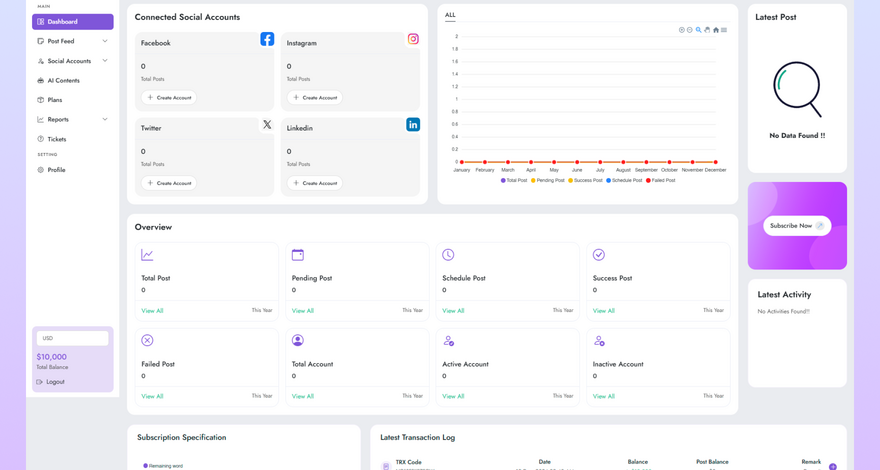

Move from a first idea to a publishing schedule without losing track of your content. Prepare drafts, organise connected profiles and review how your posts perform.
Prepare posts and review their content before publishing.
Review the reporting information available for your connected profiles.
Use available AI tools as drafting assistance, with human review before use.
Plan when content should be published through the available scheduling tools.
Organise supported social profiles within your account.
Get to know the tools that bring your content, social profiles and publishing activity together. Your plan sets your usage limits; each social network controls the actions its connection supports.
Explore post preparation, profile management, content tools and the associated help pages.
Organise supported account connections and their publishing permissions.
More Info
Review the feed analytics available for your account and supported connections.
More Info
Use available AI drafting tools and review generated content before publishing.
More Info
Review the feed analytics available for your account and supported connections.
More Info
Organise available templates for your content workflow. Template access depends on your plan.
More InfoUse available reporting and account tools to understand your publishing activity.
Available social networks and publishing actions depend on your plan, account type and provider permissions.
Review the activity and metrics provided for your supported connected accounts.
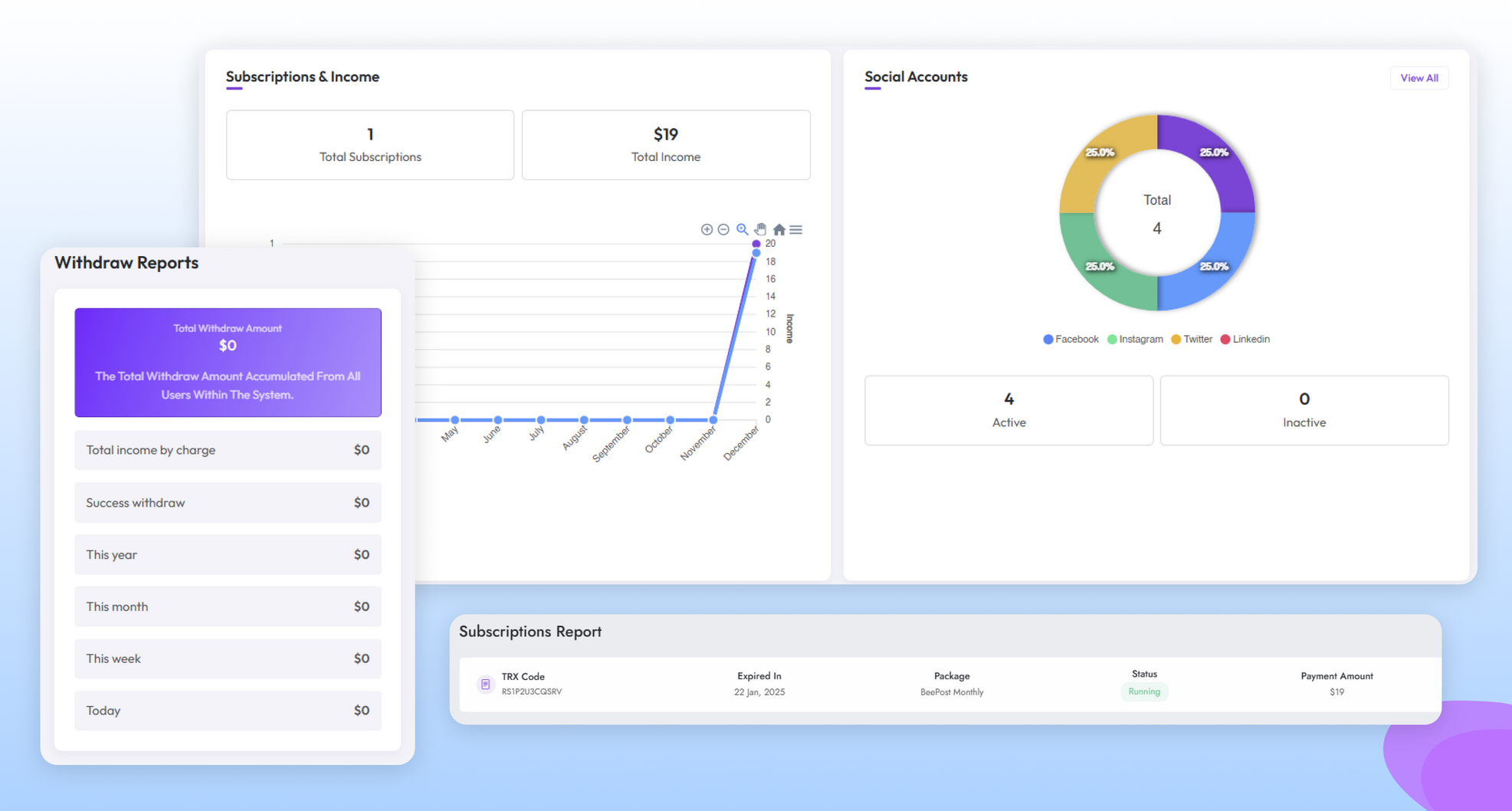
Keep content preparation and publishing tasks together in your account.
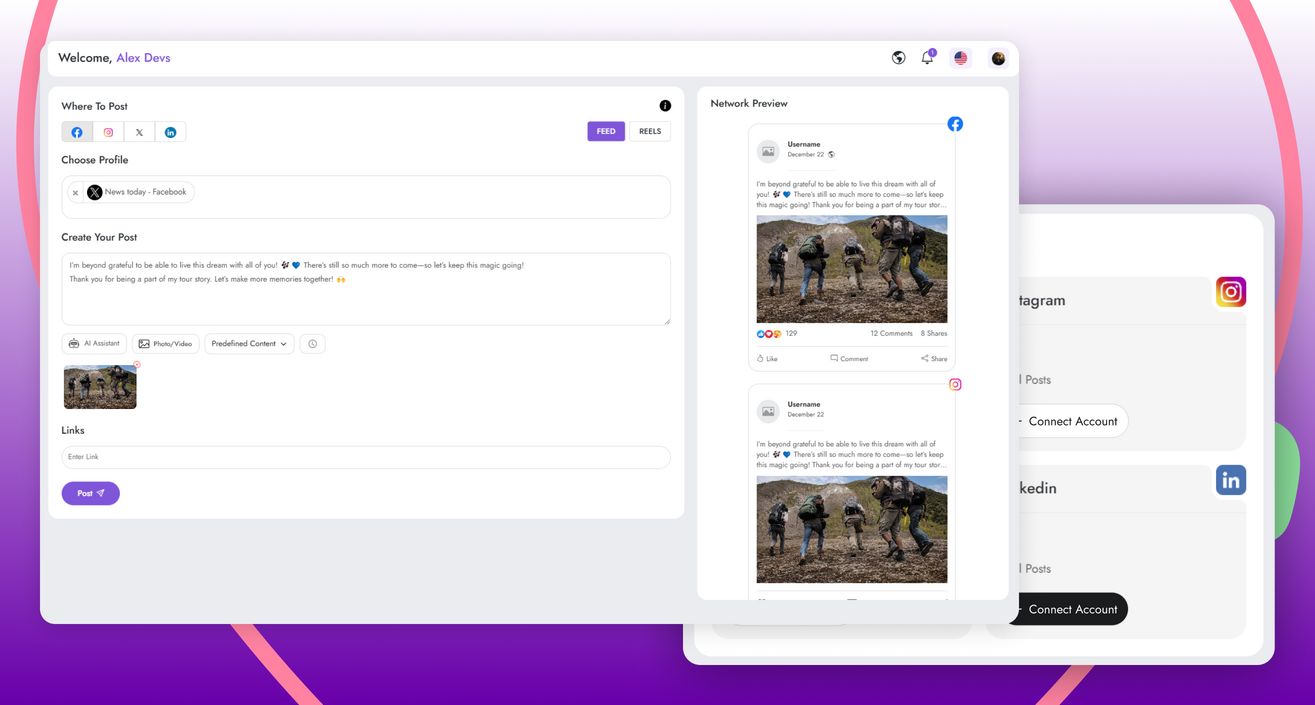
Prepare text and media, review the intended destination and choose an available publishing option.
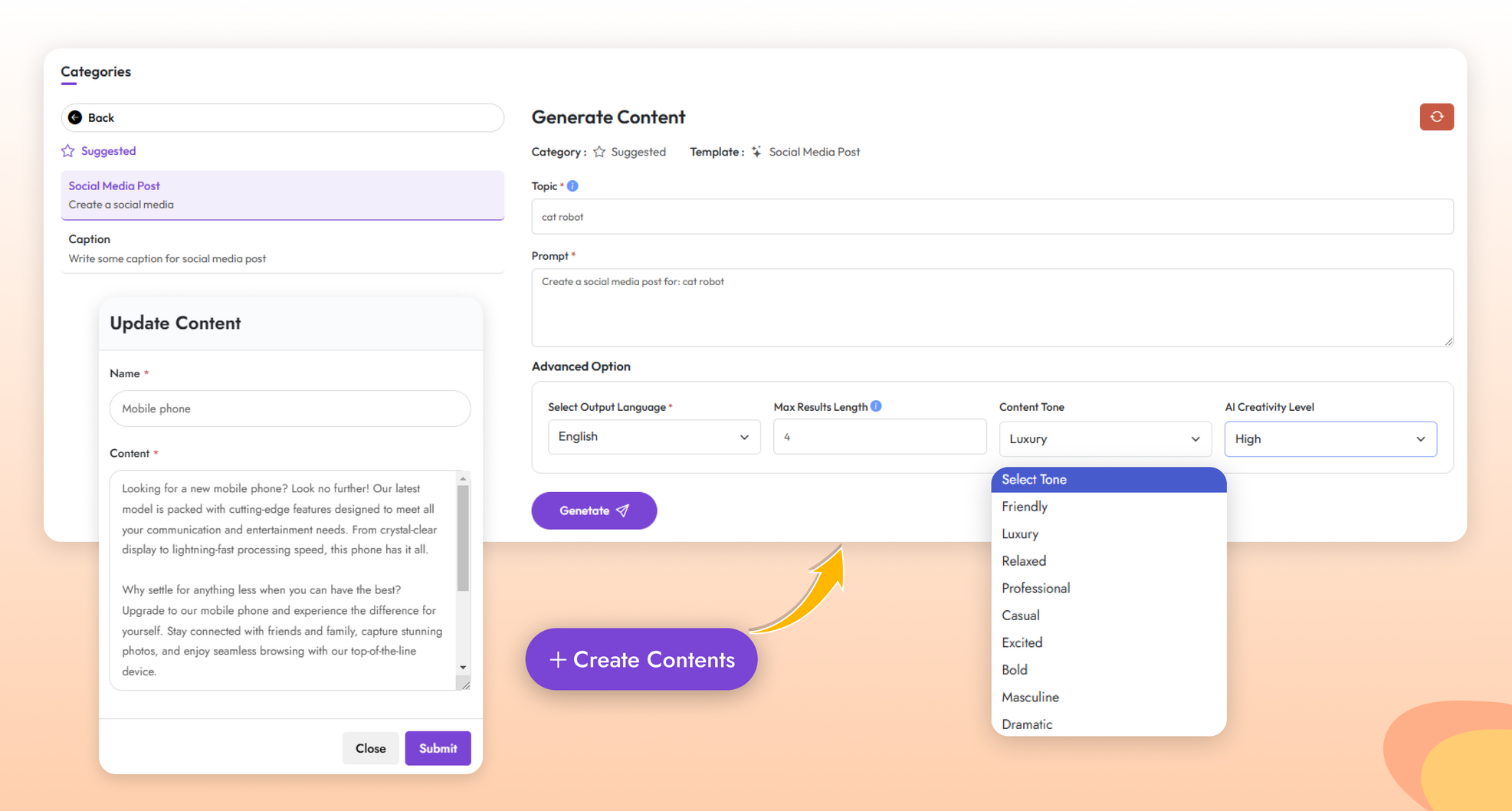
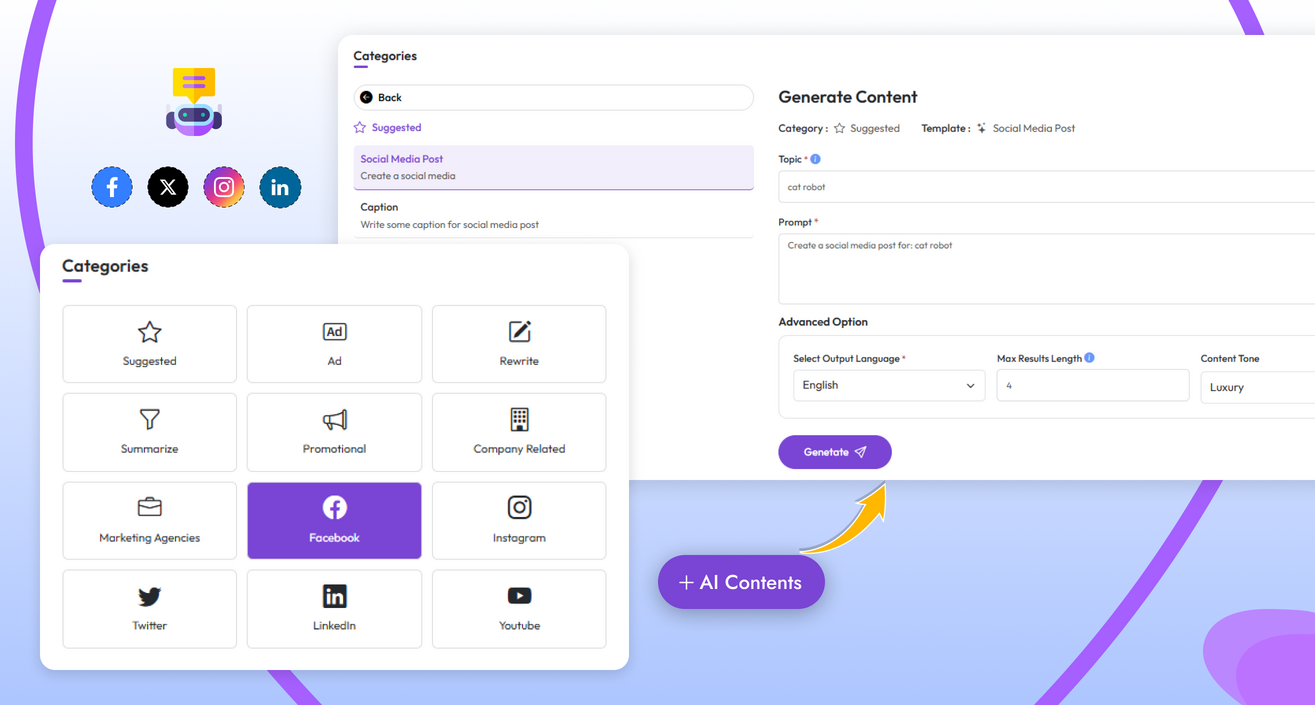
Use available AI tools as a starting point. Check accuracy, tone and permissions before publishing.
Review your connected profiles and the permissions granted to the application.
No featured templates are currently listed. Sign in to review your account tools or ask the team about template availability.
Contact the E.D.A team when you need guidance on access, plans or platform connections.
Review the activity and reporting information available from your connected providers.
Organise publishing through the scheduling options available to your account.
Use the supported account connections and permissions configured for your plan.
Check accuracy, tone, rights and the intended audience before publication.
Draft content and assemble the material needed for your posts.
Practical information about account access and the publishing workflow.
View the current plans, create an account if registration is available, or contact the E.D.A team to discuss your requirements.
Available connections depend on the configured plan, your account type and provider permissions. Review your account connection options or ask the team before choosing a plan.
Sign in for the support options available in your account, or use the Contact page for product and access questions. Do not send passwords or private account tokens.
No. Review AI-generated material for accuracy, tone, rights and suitability before publishing it.
Find room for the accounts, posts and content tools you need. Compare what each plan includes, then contact us if you would like help choosing.


Try the publishing workflow with up to 2 connected profiles and 10 posts. Start with Facebook and Instagram, and check the listed allowances before choosing your next plan.
Keep your own brand active with up to 5 connected profiles and 450 posts. Connect Facebook, Instagram and TikTok, and plan your publishing schedule in one workspace.
Give your growing content schedule more room: up to 8 connected profiles and 1,000 posts, with access to Facebook, Instagram, X / Twitter and TikTok.
Bring a larger publishing workload together with up to 15 connected profiles and 2,000 posts. Includes access to Facebook, Instagram, X / Twitter, LinkedIn and TikTok; review the AI allowances listed below.
Manage a busy client or multi-brand workload with up to 50 connected profiles and 7,500 posts. Includes the listed social networks and webhook access. Check the feature allowances below for the full plan limits.